

Ever wondered if the latest Tesla update could completely transform your driving experience? This new software release isn’t about minor fixes, it’s a game-changer in how your car displays all its performance details. With a freshly upgraded Self-Driving Stats dashboard and even sharper visual sensors, every drive feels more dynamic and precise. In this post, I’m breaking down the release notes to highlight the coolest improvements and show you how these upgrades can bring a whole new level of excitement to your Tesla ride.
Tesla Release Notes Overview and Key Highlights
Tesla’s newest software update feels like a breath of fresh air in the world of autonomous driving. This rollout of FSD v14.2 (2025.38.9.5) introduces a brand-new Self-Driving Stats dashboard that lets drivers dive into detailed performance metrics. Picture this: you’re cruising along while your dashboard shares tiny details about every twist and halt, pretty neat, right?
They’ve also given the neural network vision encoder an upgrade by using higher resolution inputs. This means the system now spots emergency vehicles, obstacles, and even nuances in human gestures with much sharper accuracy. It’s a big leap from previous versions like FSD v14.1. In short, you get faster, more responsive driving assistance, while Tesla keeps proving its commitment to constant improvement through over-the-air updates.
On a slightly different note, the 2025.32.8 firmware is designed for Models S, 3, X, Y, and even Cybertruck. This update rolls out standout features, like Unattended Child Detection. The technology works locally to flash exterior indicator lights, play an alert tone, and send real-time notifications to your Tesla app, talk about peace of mind! Plus, those settings you love in Rave Cave? They stick around even when you shift into park.
Tesla Vision now also has a crucial role in safety by triggering frontal airbag inflation earlier during an impact, providing that extra cushioning when you need it most. Meanwhile, Low Power Mode steps in to save your battery by shutting down non-essential functions once a certain battery level hits. And for those chummy Dog Mode users, the cabin keeps a cozy, steady temperature, ensuring that your furry friend stays comfortable.
All these updates are neatly organized under New Features and Bug Fixes in the release notes, highlighting Tesla’s balanced focus on innovation and reliability.
Tesla Software Update Timeline and Schedule

Tesla has mapped out its over-the-air updates with clear timing and release dates that feel as organized as a well-planned launch. Picture this: on November 23, 2025, drivers saw a quick message confirming, "Update Successful on November 23," after versions 2025.38.200 and 2025.32.8.20 rolled out. Just a few days prior, on November 14, 2025, earlier versions like 2025.38.100 and 2025.32.200.1 kicked things off, marking the start of a swift cascade of changes.
Each update series, 2025.44, 2025.38, 2025.33, and 2025.32, dives into specific areas with its own schedule. Tesla smartly splits these series into segments that focus on fresh features and bug fixes. To keep things transparent, release groups come with straightforward labels like "Popular Today Bug Fixes" and "New Updates Bug Fixes," making it easy to see what matters based on where you are and which hardware you’re using.
In short, this scheduled update calendar means every patch is carefully planned. It’s like having your very own upgrade reminder, ensuring your Tesla stays on top of performance with all the latest tweaks and enhancements.
Tesla Software Updates Release Notes: Exciting New Details
Tesla’s latest firmware upgrade brings some nifty refinements to everyday driving. The FSD v14.2 Self-Driving Stats module now gives you super-detailed insights into your driving behavior, think of it as a mini performance review after every trip. It breaks down things like acceleration consistency and braking smoothness, so you get a clear picture of how each mile shapes your journey.
The new 2025.32.8 update also ramps up safety features. For instance, the Unattended Child Detection now flashes exterior lights and sends you prompt alerts on your phone, making sure you’re in the know. Meanwhile, your personal settings for Rave Cave continue to adapt perfectly to your preferences. And with Tesla Vision triggering a timely frontal airbag pre-inflation, your safety during those split-second moments gets an extra boost.
On the tech side, there are some smart tweaks too. The revamped Low Power Mode cuts down on battery drain when you're parked, one user even mentioned it noticeably curbed battery use during long stops. And with the updated Dog Mode, your car keeps a cozy 64°F inside, ensuring your pet stays comfortable without compromising energy efficiency.
| Feature | Insight |
|---|---|
| FSD v14.2 Self-Driving Stats | Gives detailed, moment-by-moment driving insights |
| Unattended Child Detection | Uses light flashes and quick phone alerts for enhanced safety |
| Tesla Vision Airbag Pre-inflation | Activates early to better protect occupants in a frontal impact |
| Low Power Mode | Shuts down non-critical functions to conserve battery when parked |
| Updated Dog Mode | Keeps the cabin at a steady 64°F for pet comfort |
Every upgrade is all about making your drive feel smoother, safer, and more energy-efficient. It’s like having tech that truly understands your needs, don’t you just love when things just work perfectly?
Bug Fix Details in Tesla Software Updates

Tesla’s latest patch rollout brings some targeted fixes that make a real difference. For drivers on the 2025.38 series, you'll notice enhancements in updates like 2025.38.9.5, .9, .8.7, .8.5, and .8.1. These adjustments specifically boost the neural network stability, think of it as fine-tuning the car's smart brain, and sharpen the user interface responsiveness, so everything feels smoother and reacts faster.
Meanwhile, the 2025.32 series is all about squashing those annoying diagnostic errors and menu hang-ups that used to pop up unexpectedly. Detailed fixes have addressed issues like misfiring diagnostic alerts and slow menu responses, so the system runs more reliably. Plus, with FSD v14.1.7 now on Cybertruck and HW4 models, lane-detection hiccups have been corrected to further enhance driving confidence.
In short, these bug fixes not only upgrade the system’s performance but also build trust, giving Tesla drivers a smoother, more reliable experience every time they hit the road.
Model Y and Model 3 Release Notes Insights
Model Y owners now get the new 2025.32.8 update. This update brings local Unattended Child Detection, which means your car will flash its exterior lights and send an app alert if it senses a child left behind. It’s like your car is quietly watching over you, pretty neat, right?
Model 3 gets its own upgrade focused on keeping passengers safe. Using Tesla Vision (basically, smart cameras that help monitor the road), the system now inflates the frontal airbag just a tad earlier. That extra cushion can really make a difference when seconds count.
Both models share some cool features that many drivers will appreciate. They remember your favorite audio and lighting settings via persistent Rave Cave, switch to a Low Power Mode for energy savings when parked, and have improved Dog Mode to keep your pet comfy at 64°F. Plus, there are hardware upgrades: Model Y now runs on version 2025.38.9 on HW3 and Model 3 on FSD v14.1.7 on HW4.
| Model | Unique Feature | Hardware Rollout |
|---|---|---|
| Model Y | Local Unattended Child Detection | 2025.38.9 on HW3 |
| Model 3 | Tesla Vision-driven Frontal Airbag Inflation | FSD v14.1.7 on HW4 |
Tesla Software Update Distribution and Verification Process
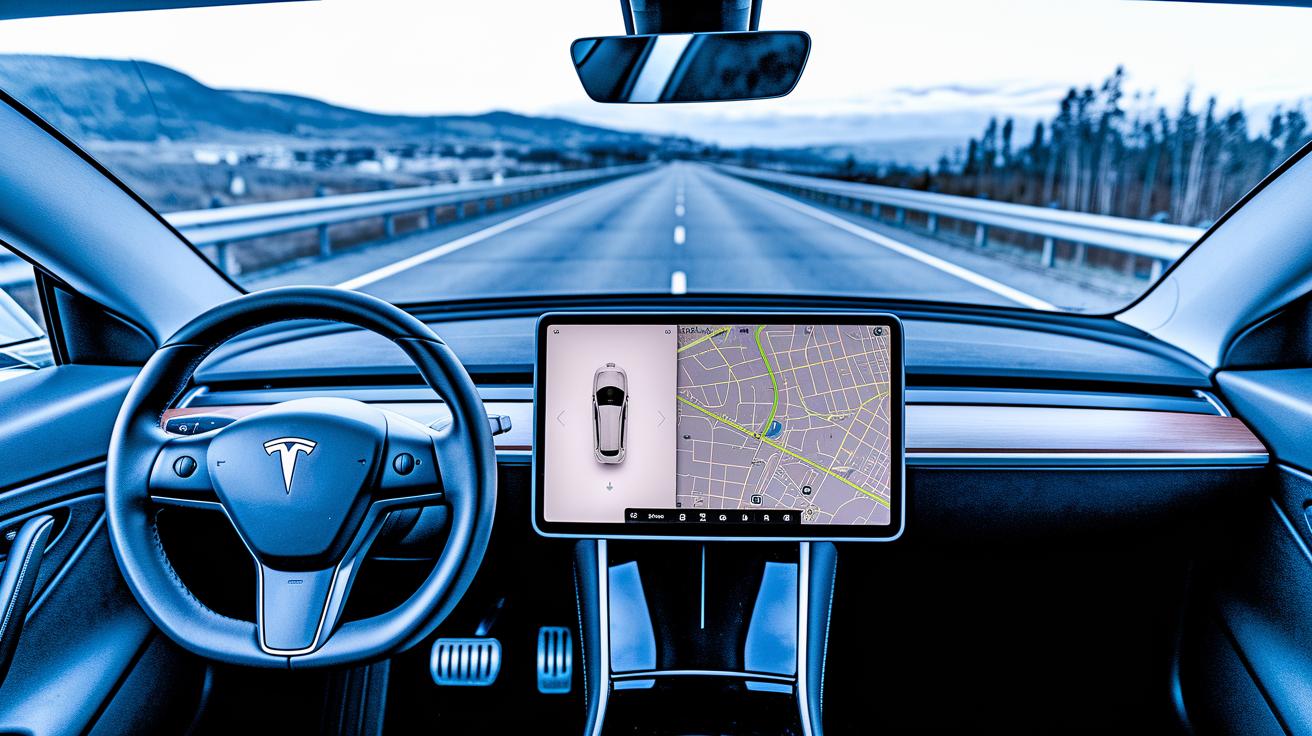
Tesla rolls out its firmware updates with a level of precision that almost feels like watching a well-synced digital race. They kick things off with a limited release of the FSD v14.2 update, letting select vehicles try it out first. This period gives Tesla the chance to fine-tune performance before the update sees a wider audience. Soon after, the 2025.38.9 update reaches HW3 models and even the Cybertruck, making sure their over-the-air rollout hits all the right notes across multiple regions.
The process is organized by location, meaning each area gets its update according to a set timetable. When your vehicle updates, you’ll notice a digital verification log pop up on the center-screen and get a nudge from the Tesla mobile app, so double-checking the update is really straightforward. And don’t worry, Tesla processes all sensitive cabin data right on board, with nothing leaving the vehicle. In short, this multi-stage approach not only keeps everyone in the loop but also turns the update mechanism into a reliable and smooth-running digital rollout for Tesla fans everywhere.
Final Words
In the action, our guide walked through Tesla's latest OTA changes. We explored software updates, timeline specifics, and key feature shifts like FSD enhancements, improved safety alerts, and system stability upgrades.
We also highlighted how models like Y and 3 benefit from these adjustments while tracking firmware version details and bug fixes. By reviewing tesla software updates release notes, you now have a clear view of how Tesla refines its vehicle technology. Here's to staying smart and ahead in tech.
FAQ
Latest Tesla software update 2025
The latest Tesla software update 2025 introduces FSD v14.2, which brings a Self-Driving Stats dashboard and improved neural network vision to detect emergency vehicles and obstacles. It distinguishes new features from bug fixes in its release notes.
Tesla software update Today
Tesla software update today indicates that vehicles constantly receive over-the-air improvements. Check your vehicle’s center-screen or mobile app for the most recent version and its current operational status.
Tesla software updates release notes for Model Y and Model 3
Tesla software update release notes for Model Y and Model 3 highlight local Unattended Child Detection, Tesla Vision-driven frontal airbag pre-inflation, Dog Mode refinements, and Low Power Mode. Both models receive shared safety and efficiency upgrades.
Tesla software update History, List, and Versions
Tesla software update history includes detailed firmware lists covering version sequences, release dates, new feature enhancements, and bug fixes. These logs can be reviewed via the vehicle’s interface or the official Tesla website.
Tesla software update stuck
When a Tesla software update is stuck, a simple system restart or checking your vehicle’s connectivity and mobile app notifications can help. Persistent issues should be addressed by contacting Tesla support for further advice.
Where can I find Tesla update release notes?
Tesla update release notes are available in the vehicle’s information center, on Tesla’s official website, or through the Tesla mobile app. These sources provide detailed summaries of firmware versions and changes.
How do I get to the Tesla secret menu?
Getting to the Tesla secret menu involves specific touchscreen gestures or navigating hidden settings options. Following guidance from official Tesla resources or trusted community forums is recommended for safe exploration.
What is the 2025.32 update?
The 2025.32 update introduces safety improvements like Unattended Child Detection alerts, Tesla Vision-based frontal airbag pre-inflation, refined temperature control in Dog Mode, and a Low Power Mode for parked vehicles, adding clear benefits to everyday driving.
How often does Tesla release software updates?
Tesla releases software updates on a rolling schedule with multiple updates each month. These over-the-air patches are distributed in phases across regions and models to continuously improve the vehicle’s performance.