

Ever worry that your cloud might not be as secure as you hope? Picture a friendly, vigilant gatekeeper, one that checks your credentials every time you need access to your most sensitive data. That’s what cloud identity and access management does. It works by assigning access based on your role, kind of like letting a technician handle just the tasks they’re skilled for in a bustling data center.
By using these smart controls, you can build a safer cloud environment with less risk and robust protection for your information. It’s all about ensuring that the right access reaches the right hands, keeping your data as secure as possible.
Essentials of Identity and Access Management for Cloud Security

Cloud IAM is your go-to security guard for the cloud. Imagine showing your ID at a secure facility, your credentials, like passwords, tokens, or even biometric scans, are verified against a centralized list. Once you're cleared, you only get access to what you actually need.
Role-based settings are crucial here. They assign permissions based on what you do. So, a network admin might see settings that a regular user doesn't. This minimizes risk by following the "least privilege" rule, everyone gets just enough to do their job, much like a specialized technician only handling server duties in a busy data center.
Centralized access management makes overseeing everything simpler. Whether you're working with AWS, Microsoft Entra ID, or Google Cloud, having one unified policy means security is consistent no matter where you are. This setup not only beefs up protection for a high number of transactions but also streamlines compliance reporting, every change is logged and ready for review.
By mixing core IAM fundamentals with role-based controls and tight authorization checks, organizations can build a robust cloud environment. This strategy supports Zero Trust models and strengthens defense against unwanted access, creating a system that’s both smart and secure.
Core Components of Cloud IAM: Authentication, Authorization, and Federation

Authentication is the backbone of cloud IAM. It works by confirming a user’s identity, comparing passwords, tokens, or even biometric data with a central IAM store. And just like needing both a keycard and a badge to unlock a secure room, multi-factor logins (such as one-time codes or fingerprint scans) add an extra layer of protection. This process not only blocks unauthorized access but also keeps a careful record of each login attempt, much like rigorous security checkpoints do every day.
Once you’re authenticated, authorization steps in to make sure everyone gets just the right level of access. Using role-based and attribute-based controls, the system grants only the minimum permissions needed. Imagine it as receiving a specific access badge that lets you into only the areas relevant to your work, no more, no less. This targeted approach helps prevent data leaks and builds steady trust in the system, with regular audits ensuring that security remains tight over time.
Federated identity solutions tie everything together by linking multiple cloud services through trusted identity providers. Utilizing standards like SAML (which uses XML assertions to ensure security) and public key infrastructures, this approach simplifies sign-on across platforms, eliminating the headache of remembering too many passwords. By creating a seamless, unified login experience, federated identification keeps administrative tasks simple and significantly reduces potential entry points for attackers, making cloud security both efficient and resilient.
Implementing Best Practices for Access Control in Cloud Environments

Access control can really help organizations keep risks low while making management simpler. One key approach is the Zero Trust model. Basically, it means you’re constantly checking user credentials, kind of like a security guard who never assumes a visitor is safe just because they got one check. This continuous verification along with strict adherence to the least-privilege principle helps safeguard against unauthorized access from compromised credentials.
Then there’s just-in-time provisioning, which is a clever way to issue temporary credentials that automatically expire, much like handing out a day pass for a special event. This approach ensures users only have access when they actually need it, which is super handy in environments where needs are changing all the time.
Adaptive multi-factor authentication takes security a step further by considering factors like device status, location, and behavior history. For example, if the system spots an unfamiliar device, you might get an extra prompt for verification, say, a hardware security key (hardware security key), to make sure everything’s really secure. It’s like having a security system that fine-tunes itself in real time to keep you safe.
Don't forget about scheduled access reviews. Regular audits, like quarterly checks for privileged accounts and annual reviews for standard roles, keep your security on track. With centralized monitoring and automated alerts, any suspicious activity gets noticed and dealt with quickly.
| Practice | Description | Audit Frequency |
|---|---|---|
| Zero Trust Model | Continuous user verification and least-privilege | Quarterly |
| Just-in-Time Provisioning | Temporary credentials for reduced exposure | As-needed |
| Adaptive Multi‐Factor Authentication | Risk-based adjustments to authentication requirements | Continuous |
| Access Review Cycles | Scheduled permission audits | Quarterly/Annual |
In short, using these best practices builds a flexible security framework that adapts to the ever-changing landscape of cloud environments, ensuring that user access stays both agile and rock-solid.
Challenges and Compliance Considerations in Cloud IAM

When you're setting up single sign-on across different cloud providers, things can get pretty complex, even for seasoned IT teams. Trying to link systems that speak different digital dialects often means running into misaligned protocols and interoperability hiccups, which can result in inconsistent access control policies. And when you throw multi-cloud deployments into the mix, you might end up with permission sprawl where overlapping privileges and outdated access rights create extra risk and complicate incident responses.
In today’s fast-changing cloud world, policies can't just be set in stone, they need to adjust in real time as user roles and business needs evolve. Plus, compliance requires keeping solid audit trails. This usually means juggling self-assessments with third-party certifications (think SOC 2 or ISO 27001, which are standards ensuring thorough logging and security) so that every access event is tracked and potential breaches can be pinpointed quickly.
Effective governance, risk, and compliance practices are absolutely key to maintaining control. Strong identity management protocols help ensure that only verified users get in, protecting those vital credentials we all rely on. And to ward off policy drift, regular reviews and continuous monitoring are a must. By blending on-premises and cloud IAM strategies, organizations can enjoy a balance of flexibility and robust security, proving that even in a rapidly evolving tech landscape, staying compliant and secure is totally achievable.
Advanced Strategies with Automated Provisioning and Adaptive Access Controls

Automated provisioning speeds up both onboarding and offboarding by instantly matching user access to their current roles. It’s like having a system that updates credentials the moment someone’s responsibilities change, ensuring there’s no delay when access needs to be set up or revoked. Real-time monitoring keeps a close eye on every login, so if someone tries to sign in from an unexpected location or unfamiliar device, it flags the activity without missing a beat.
Adaptive, risk-based access controls add another layer of smart security by adjusting authentication challenges based on the context, device type, location, and time all play a role. This setup keeps everyday access smooth while stepping up security when something doesn’t feel right. Integration with SIEM platforms boosts this system even further by blending access data with broader security events, which in turn makes incident responses more efficient. Together, these adaptive controls and anomaly detection tools work like a team of vigilant guardians, dynamically protecting cloud identities in fast-paced environments without compromising efficiency.
Integrating Identity and Access Management with Major Cloud Platforms
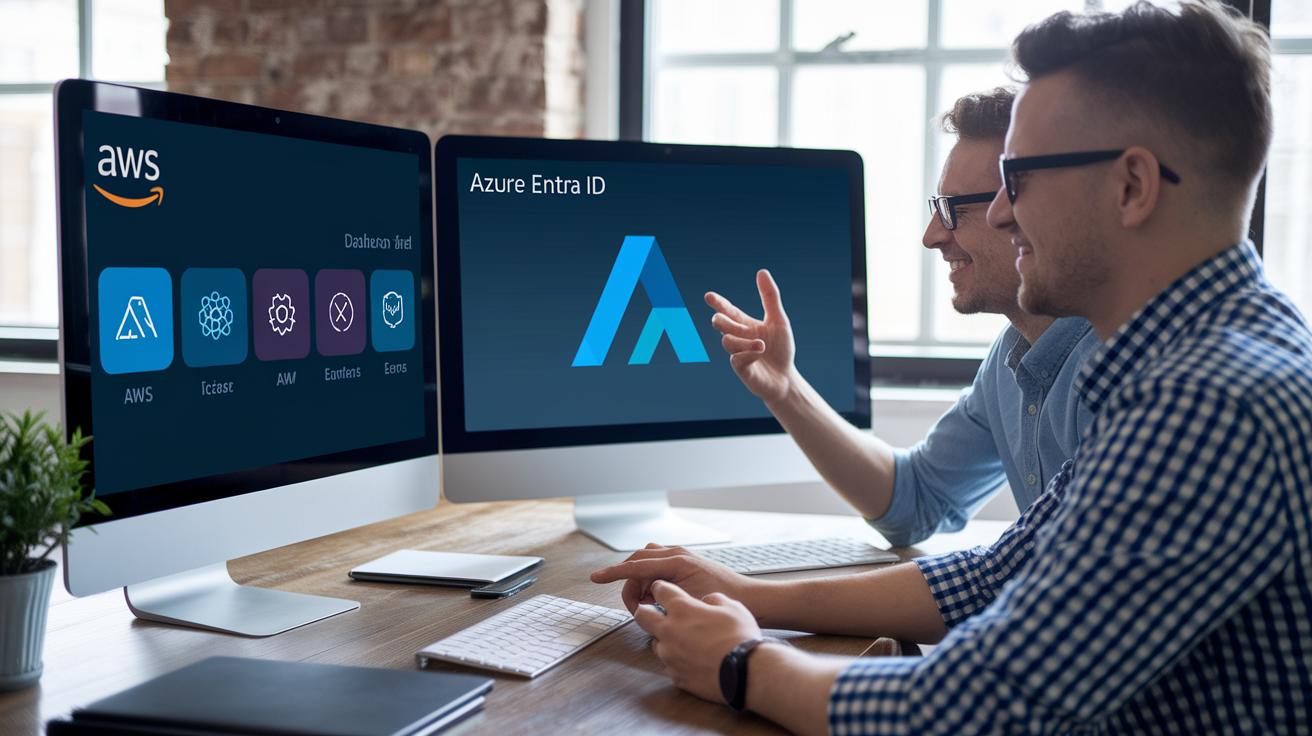
Major cloud providers have carved out their own ways to tackle identity and access management (IAM). Take AWS IAM, for example, it relies on resource-based policies and service-linked roles, and it ties in closely with AWS Organizations. This means companies can design scalable solutions that fit their internal processes, much like issuing a custom access badge that only opens specific doors.
Over on the Azure AD side, also known as Microsoft Entra ID, things take a different yet equally effective turn. With its strong conditional access policies and seamless link with on-premises Active Directory, Azure AD delivers a user-friendly hybrid environment. It’s like having a single, smooth sign-on process that saves IT teams from the hassle of constant password resets.
Then there's Google Cloud IAM, which stands out with its flexibility. Whether you opt for ready-made, predefined roles or decide to craft custom ones, managing access is simple using the Cloud Console or the gcloud CLI (that’s Google Cloud’s command-line tool). More and more, organizations are blending on-premises directories with cloud IAM through federation and virtual directory services. And when you add IAM integration with SIEM systems for deeper security monitoring, you get a robust, centralized setup that makes managing digital resources feel just right.
Final Words
In the action, we broke down how verifying user identities and setting up role-based access form the backbone of secure cloud systems. We covered everything from adaptive multi-factor login to automated provisioning, offering practical insights that simplify modern cloud management. Each section brought clarity to handling SSO challenges, permission sprawl, and regulatory requirements. With these takeaways, you’re set to refine your tech experience using identity and access management for cloud security, keeping your digital environment both smart and secure.
FAQ
What does identity and access management for cloud security certification mean?
Identity and access management for cloud security certification means professionals validate their skills in securing cloud systems by mastering user authentication and role-based access methods.
How can identity and access management in cyber security resources, including PDFs, be useful?
Identity and access management in cyber security, including available PDF guides, explains how to verify identities, manage permissions, and safeguard networks against unauthorized access.
What are the top 10 identity and access management tools?
The top 10 identity and access management tools include leading solutions from major cloud providers and specialized vendors that offer centralized control of user credentials and roles.
What free Identity and Access Management courses are available?
Free Identity and Access Management courses online provide accessible training on key concepts, role-based security measures, and practical cloud security strategies for newcomers.
What are identity and access management solutions?
Identity and access management solutions deliver centralized control over digital identities, streamlining authentication, permission assignment, and secure access across cloud environments.
What is an identity and access management framework?
An identity and access management framework outlines the policies, guidelines, and tools used to organize user authentication, enforce access rules, and protect cloud resources.
What are identity and access management best practices?
Identity and access management best practices involve applying zero trust principles, role-based controls, adaptive authentication methods, and regular audits to maintain secure access environments.
What is identity and access management in cloud security?
Identity and access management in cloud security secures digital environments by confirming user identities and granting permissions based on roles, reducing the risk of unauthorized access.
What is the IAM role in cloud computing?
The IAM role in cloud computing defines specific permissions for users and services, ensuring that each entity can perform only designated tasks while maintaining a secure infrastructure.
What are the four pillars of IAM?
The four pillars of IAM are authentication, authorization, accounting, and auditing, each addressing user verification, permission management, tracking, and oversight of access activities.
How do identity and access management systems enhance cloud security?
Identity and access management systems enhance cloud security by centralizing user verification, enforcing least-privilege access, and providing audit trails to quickly detect and respond to anomalies.